
Media server playback
CapyPlayer Emby client
Use CapyPlayer as a fast, local-first Emby media player for private libraries, 4K HDR files, subtitles, and cross-device viewing.
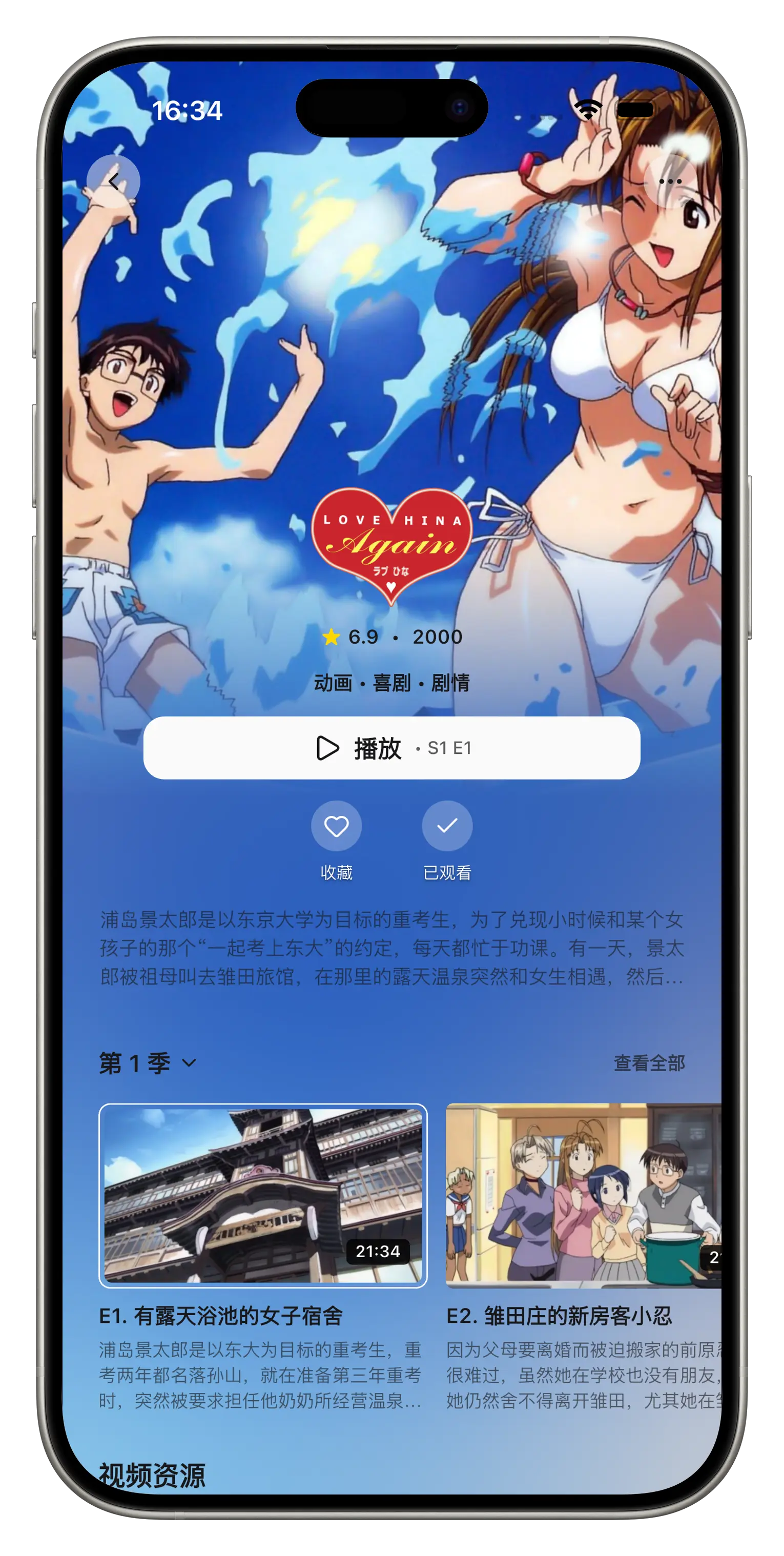
Should you use CapyPlayer as a player for Emby?
CapyPlayer is worth considering as an Emby client when you want direct access to a private Emby library, local-first playback, subtitle controls, and broad format support in one dedicated media player.
Official download page currently lists Android and iOS downloads.
CapyPlayer is not affiliated with Emby; it is an independent media player that can connect to user-owned Emby servers.
Best for private libraries
Use it when your Emby server is already reachable from your device and you want a focused player for movies, shows, subtitles, and high-bitrate files.
Best for local-first playback
Media access starts from your device and server connection. Account login is optional and mainly used for subscription sync.
Check before desktop use
Official download page currently lists Android and iOS downloads. Check the download page before recommending it for desktop devices.
Connect directly to Emby and browse your media library with posters and metadata.
Play common high-bitrate formats including 4K HDR, HEVC, H.265 and MKV.
Keep media access local-first, with account login only for subscription sync.
Use one familiar app across iOS and Android.
Why CapyPlayer fits your library
- Connect directly to Emby and browse your media library with posters and metadata.
- Play common high-bitrate formats including 4K HDR, HEVC, H.265 and MKV.
- Keep media access local-first, with account login only for subscription sync.
- Use one familiar app across iOS and Android.
How to get started
- 1Install CapyPlayer on your device.
- 2Add your Emby or NAS server address from the Resources screen.
- 3Sign in with your server account and choose the libraries you want to watch.
- 4Start playback and adjust subtitles, tracks and display settings as needed.
Common questions
Does CapyPlayer replace the official Emby app?
It can be used alongside the official app when you want a dedicated cross-platform player with broader format playback options.
Does CapyPlayer upload my media library?
No. Media playback and server connections are handled from your device; login is optional and used for subscription sync.